



Cloudbox Bluetooth Scale Connectivity: Connect Any BLE Scale in Your Browser
General
July 20, 2026
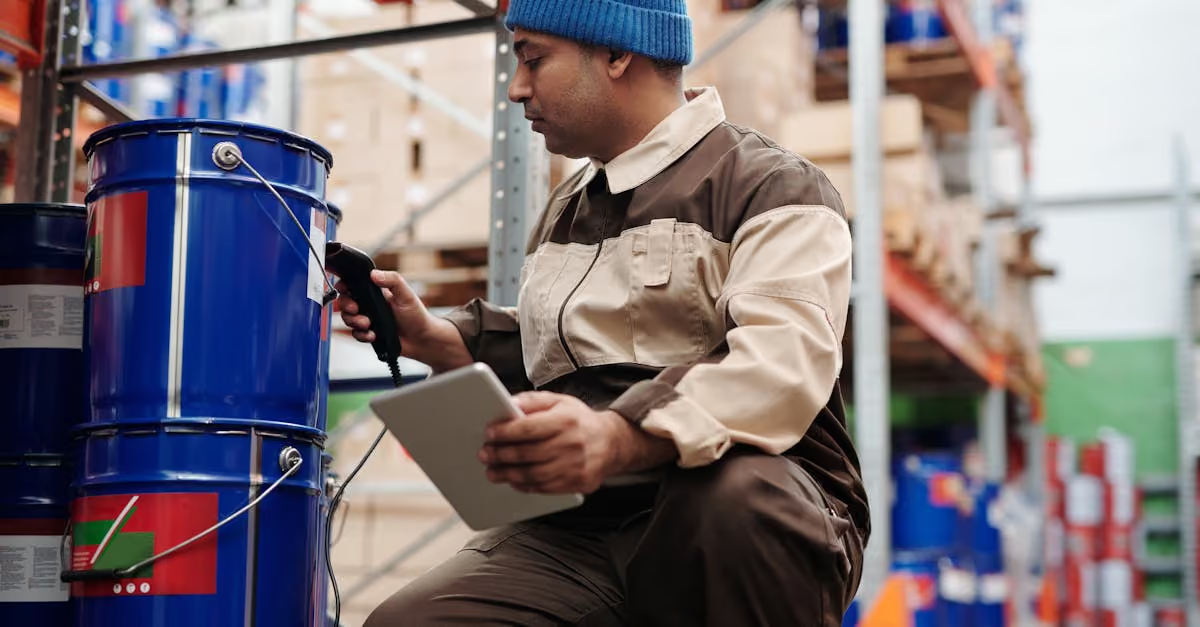
Cloudbox now supports wireless Bluetooth scale connectivity from the web app. You can pair a BLE-enabled scale to your browser and start getting real-time weight readings in under two minutes. No cable. No driver installation. No dongle.
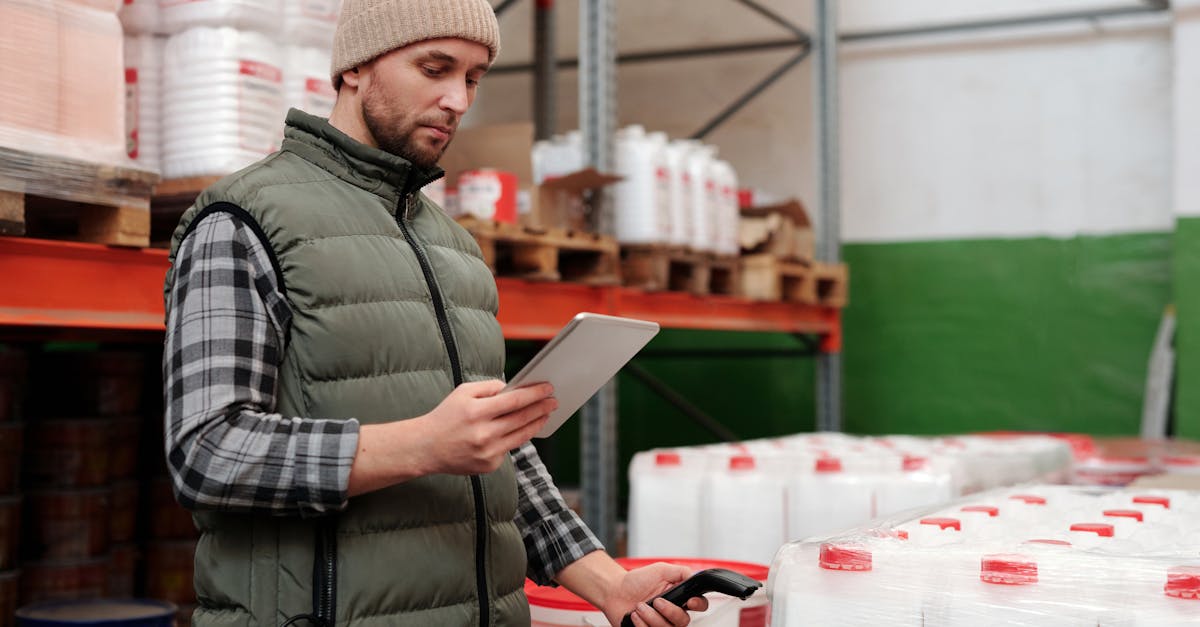
Fixed USB connections work well at stationary workstations. They don't work well when your workflow moves around.
A fulfillment cart rolling through a warehouse floor can't trail a USB cable back to a desk. A receiving dock that needs a portable scale for spot verification can't use a USB-tethered setup without someone managing the cable run. A grow operation running weigh stations through multiple rooms needs scales that work independently of a fixed workstation.
The options before this feature were: find a long cable and manage it, or buy hardware with native wireless integration built in. Neither is clean.
Bluetooth connectivity removes the constraint. The scale pairs with the browser directly using the Web Bluetooth API. Once paired, the connection is remembered. The next time you open the Cloudbox web app on that device near that scale, it reconnects automatically.
You need a BLE-enabled scale. The Ohaus Ranger 3000 is supported. Any scale that exposes a standard Bluetooth weight profile will work. Check your scale spec sheet for BLE or Bluetooth LE support.
Open the Cloudbox web app on a device with Bluetooth capability. Chrome or Edge on desktop or Android. Navigate to your scale settings. Click Add Bluetooth Scale. The browser will prompt you to select your scale from the detected devices. Select it. Done.
The scale appears in your active scale list alongside any USB-connected scales. You can use it anywhere in the Cloudbox interface that accepts a scale input: inventory weighs, order verification, cycle counts, destruction workflows.

Mobile fulfillment carts. The Cloudbox Mobile Scale Station running a BLE scale instead of a USB-connected one can operate anywhere in the facility. No cable management, no fixed dock point.
Multi-room cannabis cultivation operations. A tablet paired with a BLE scale at each trim room bench or harvest station does not require a wired infrastructure. The scale goes where the work is.
Receiving dock verification. A laptop or tablet at the dock can pair with a portable BLE scale for spot verification on inbound receipts without needing a dedicated workstation setup.
Small operations using a phone. The Cloudbox mobile app on Android supports Bluetooth scale pairing. An Android phone and scale setup running the Cloudbox app is now fully wireless.
This feature requires BLE support from the scale hardware. Older scales without Bluetooth Low Energy cannot be used with this feature. USB serial scale connections continue to work and are not affected.
Not all browser environments support the Web Bluetooth API. Chrome and Chromium-based browsers on desktop and Android are supported. Firefox and Safari do not currently support Web Bluetooth. iOS devices cannot use this feature from a browser due to Apple restrictions. iOS users should use the Cloudbox native mobile app.
Multi-scale pairing from a single browser session, for operations that need simultaneous weighs across multiple containers. Currently in testing.
Automatic unit detection from BLE scale advertisements, which will remove the manual unit selection step during initial pairing.
Learn more about Cloudbox hardware compatibility at cloudboxapp.com/scales, see the full setup guide at cloudboxapp.com/setup, or contact the team about your specific wireless scale setup at cloudboxapp.com/contact-us.
Any scale with Bluetooth Low Energy (BLE) support that exposes a standard Bluetooth weight profile. The Ohaus Ranger 3000 is a confirmed compatible scale. Check your scale spec sheet for BLE or Bluetooth LE support. Older scales without BLE cannot use this feature. USB serial connections remain fully supported alongside Bluetooth.
Chrome and Chromium-based browsers (Edge, Brave) on desktop and Android are supported. Firefox and Safari do not currently support the Web Bluetooth API. iOS devices cannot use Bluetooth scale connectivity from the browser due to Apple restrictions. iOS users can connect Bluetooth scales through the Cloudbox native mobile app.
Effective range depends on the scale hardware and the facility environment. In open industrial spaces, most BLE scales maintain a reliable connection up to 30 feet. In environments with metal shelving or heavy RF interference, range may be shorter. The Cloudbox app shows signal quality in real time during the pairing session.
Open the Cloudbox web app in Chrome or Edge. Navigate to your scale settings. Click Add Bluetooth Scale. Your browser will show a list of detected Bluetooth devices. Select your scale. The pairing is saved and the scale reconnects automatically the next time you open the web app on that device near the scale.
Yes. The Cloudbox Mobile Scale Station can run fully wireless when paired with a BLE-enabled scale. The cart operates anywhere in the facility without a USB cable running back to a fixed workstation. This is particularly useful for warehouse floor picking routes and receiving dock spot verification.

.png)