




Introduction
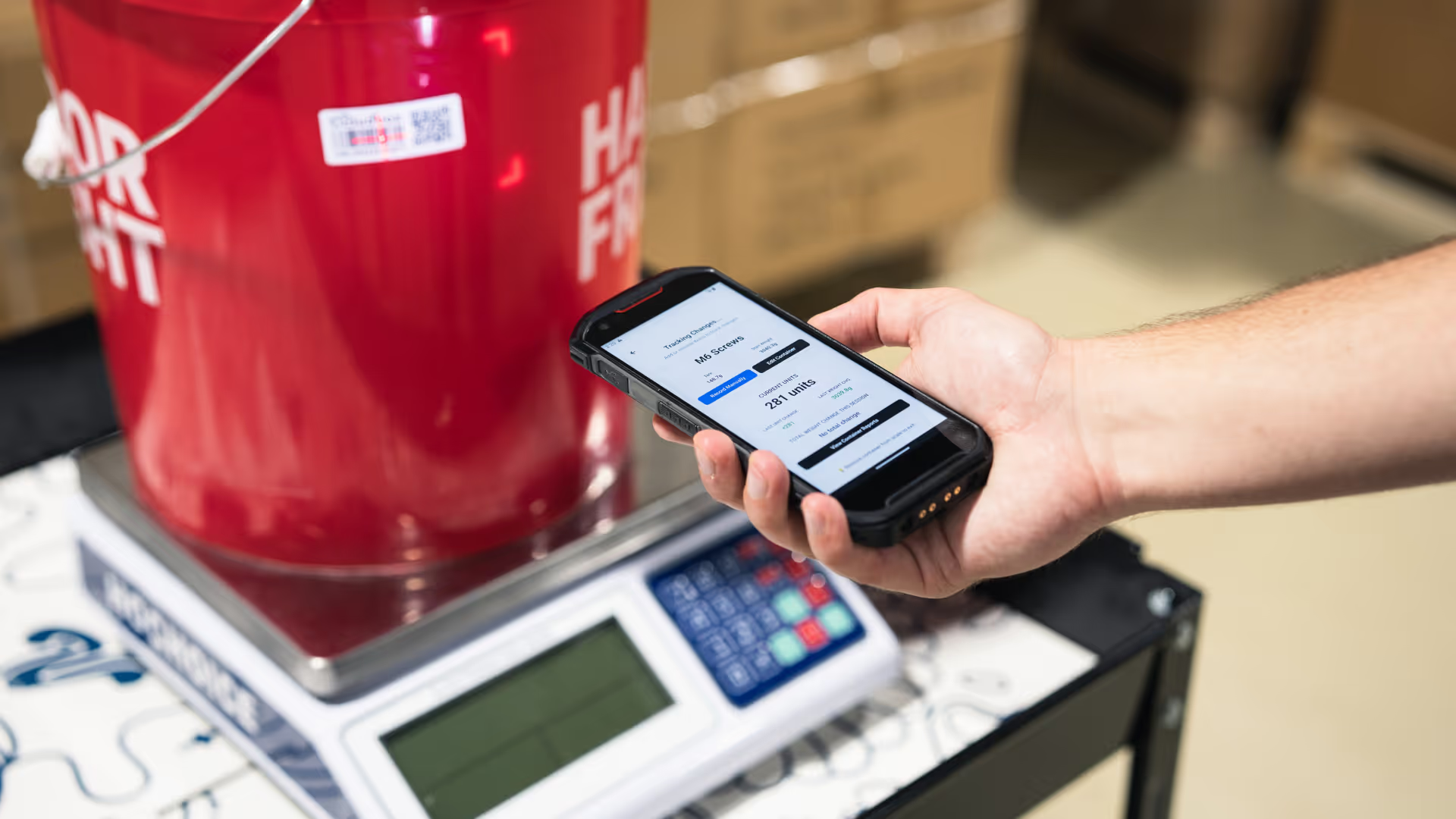
The CloudBox REST API allows you to access and sync real-time inventory data from your CloudBox organization. Using the API, developers and partners can pull SKU records, container data, and dynamic inventory information directly into their applications, workflows, and business systems.
Current Use Cases
Syncing SKUs and containers into an ERP, WMS, or POS system
Access real-time container weights, units, activity timelines, and deviation alerts.
Replace manual counting with system-driven data collection and automated reports.
Embed CloudBox inventory data into third-party applications and custom enterprise workflows.
Authentication
Every request to the CloudBox API must be authenticated with two headers:
You can obtain your org-api-key from CloudBox but both keys are required. Requests missing either header, or using invalid keys, will return 401 Unauthorized
Example of Authenticated Request
curl -X GET "https://app.cloudboxapp.com/api/export/skus" \-H "org-api-key: YOUR_ORG_API_KEY" \
-H "user-api-key: YOUR_USER_API_KEY" \
-H "Accept: application/json"
Organization API Key
The Organization API key authorizes access to your specific CloudBox organization, is issued directly by the CloudBox team, is unique to each organization, and should only be shared with trusted technical contacts and stored securely.
How to access or rotate your organization key:
- Contact CloudBox Support or your Customer Success representative.
- We’ll generate a new key and securely share it with you.
- Update your integrations to use the new key and remove any old ones.
User API Key
The User API key represents a specific CloudBox user or service account inside your organization. This key is generated from within the CloudBox web app:
- Log in to the CloudBox app as an admin or a user with API permissions.
- Navigate to Settings → API Keys (or your organization’s API settings area).
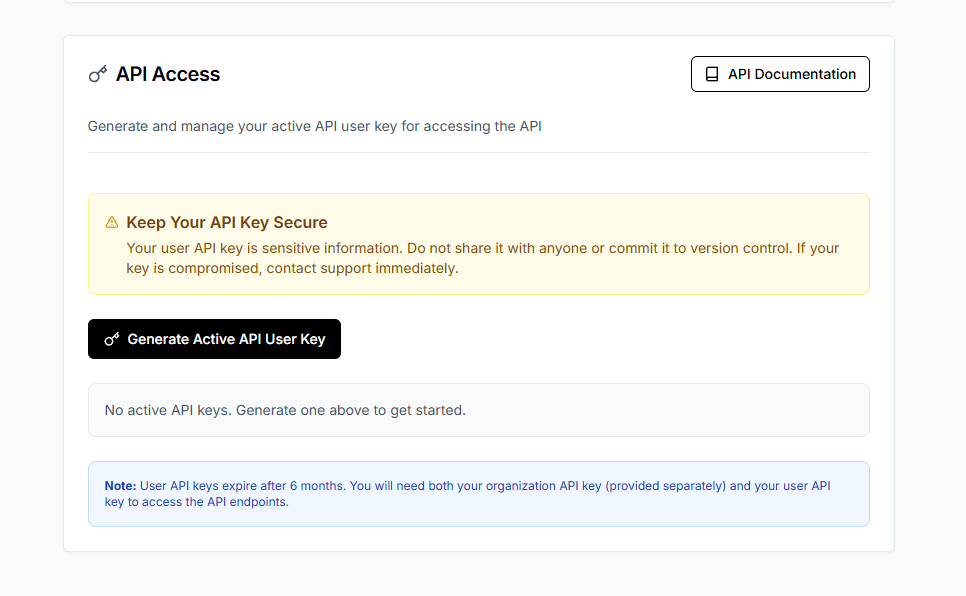
- Click Create API User Key.
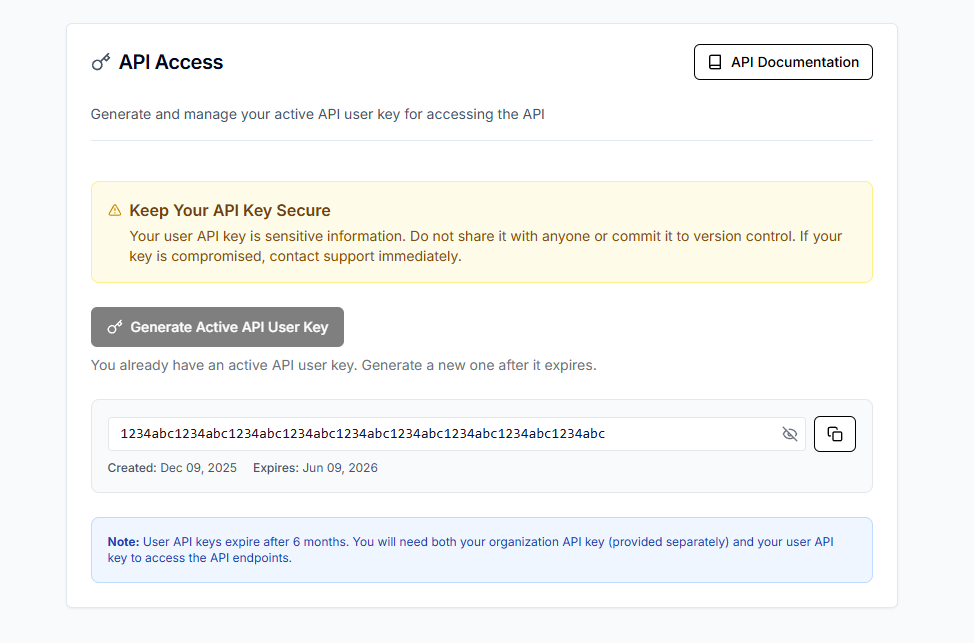
- Copy the generated key and store it securely.

.png)


