




Retrieving Bases
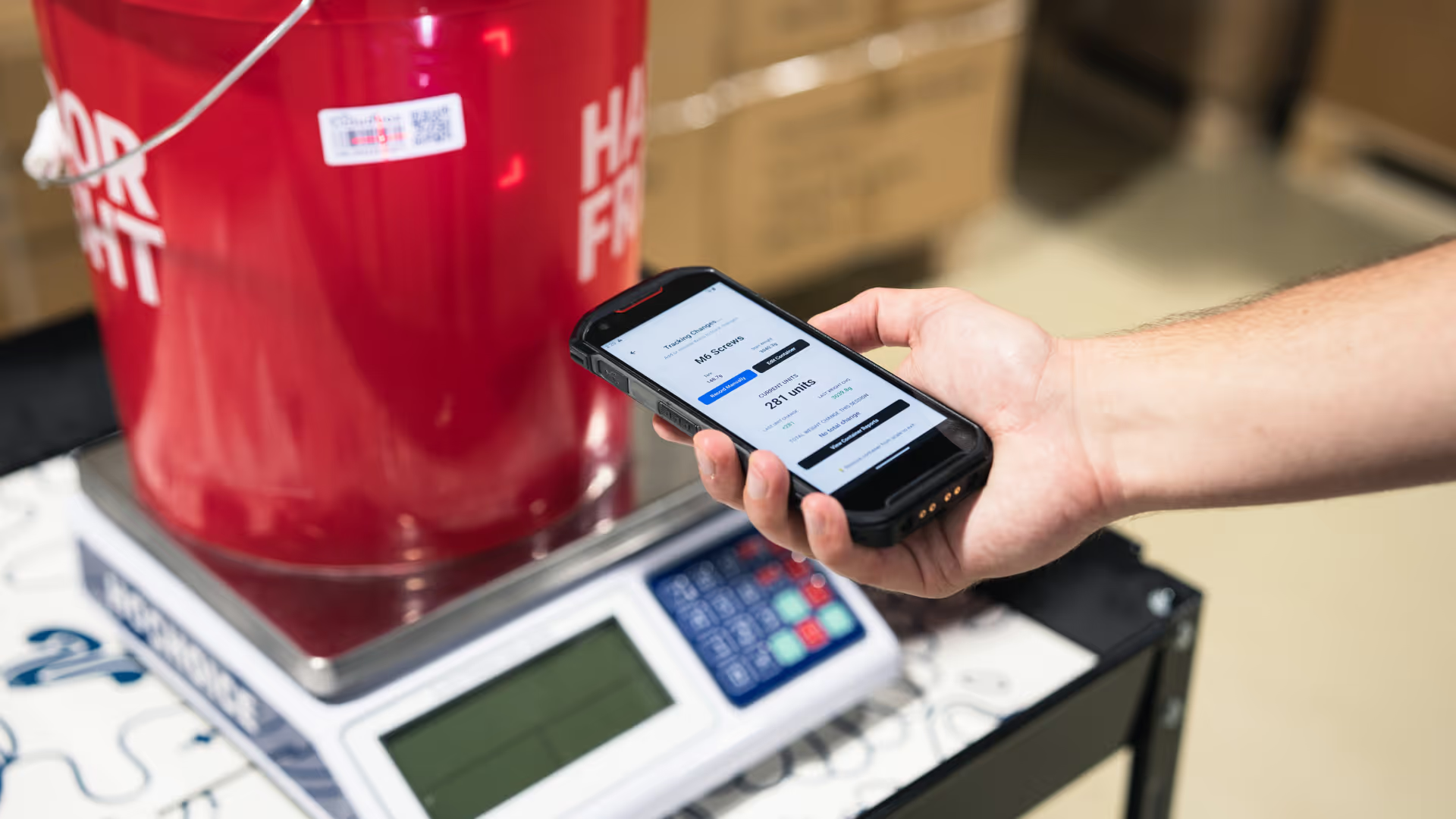
Scale bases that report container weights.
Use GET /api/v1/bases to page through every record in your organization, or GET /api/v1/bases/{id} to fetch a single record. The id is a string, and a 404 means it doesn't exist in your organization.
API Endpoint
GET
/api/v1/bases
GET
/api/v1/bases/{id}
Current Use Cases
Monitor your scales
Pull every scale base and its active status to make sure the whole floor is reporting.
Map scales to locations
Know which scale sits in which room or rack so a missing reading is easy to track down.
Plan hardware rollouts
List active bases when you add a new room or site to see how many more you need.
Troubleshoot missing readings
Cross-check bases against weight reports to find a scale that has gone quiet.
Required Headers
Every request must include the following:
Header Key
Description
org-api-key
Your Organization API key. Contact Cloudbox Support For Access: support@cloudboxapp.com.
user-api-key
Your User API Key
Requests missing either header will return 401 Unauthorized
Example Request
bash
curl -X GET "https://app.cloudboxapp.com/api/v1/bases?limit=100" \
-H "org-api-key: YOUR_ORG_API_KEY" \
-H "user-api-key: YOUR_USER_API_KEY" \
-H "Accept: application/json"
Response Schema
Column
Type
Description
Filters
Errors
Cloudbox uses standard HTTP status codes to indicate API success or failure:
- 200–299 – Request succeeded
- 400 – Bad request (missing parameters, invalid values)
- 401 – Unauthorized (missing or invalid API keys)
- 404 – Resource not found
- 429 – Too many requests (rate limited)