



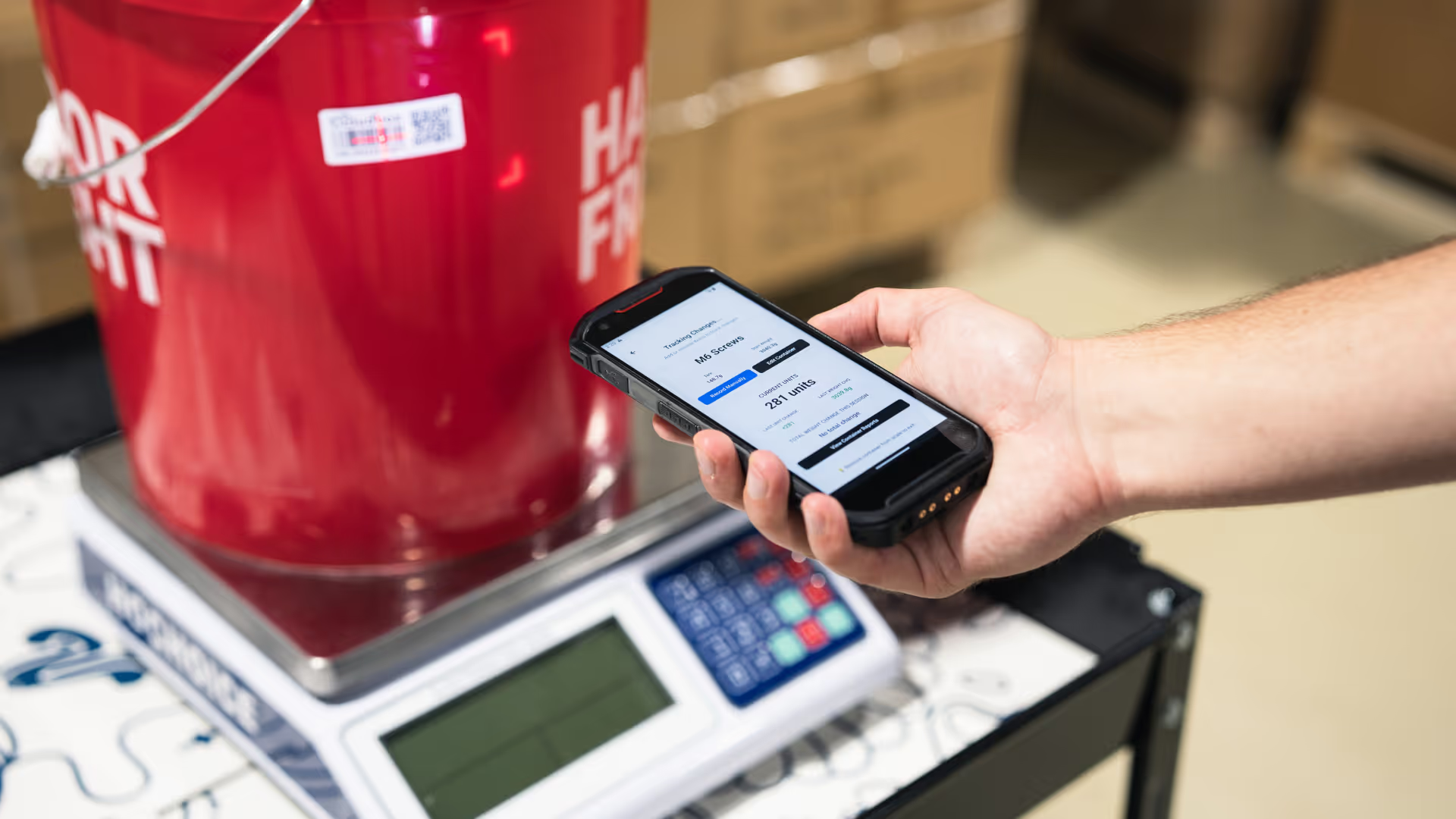

Retrieving Container Data
After syncing your SKU list, the next step is retrieving your organization’s CloudBox containers. Containers represent the physical CloudBox units in your facility and return current inventory values, tracking information, and audit details.
The container export endpoint allows you to pull real-time inventory data into your internal systems, dashboards, or reporting tools.
API Endpoint
GET /api/export/containers
Required Headers
Every request must include the following:
Requests missing either header will return 401 Unauthorized
Example Request
bash
curl -X GET "https://app.cloudboxapp.com/api/export/skus" \
-H "org-api-key: YOUR_ORG_API_KEY" \
-H "user-api-key: YOUR_USER_API_KEY" \
-H "Accept: application/json"
Response Schema
Example Request
json
[
{
"id": "container_001",
"created_at": "2025-01-05T09:30:00Z",
"hardwareId": "HW-392847",
"serialId": "SR-584920",
"name": "Flower Jar A",
"currentWeight": 128.45,
"unitWeight": 3.5,
"lastActive": "2025-01-11T13:59:00Z",
"lastUpdated": "2025-01-11T14:22:00Z",
"lastBaseName": "Vault Room",
"lastBaseLocation": "Shelf 3 - Slot B",
"organizationId": "org_456",
"containerWeight": 42.3,
"unitModeEnabled": true,
"lastBaseId": "base_102",
"tracking_id": "METRC-ABC123456",
"active": true, "units": 24,
"isOverThreshold": false,
"isUnitWeightDeviated": false,
"expiration_date": "2025-12-31",
"isPossibleTheft": false,
"is_third_party": false,
"containerStatus": "active",
"skuId": "sku_123",
"SKU": {
"id": "sku_123",
"name": "Lemon Haze 3.5g",
"category": "Flower",
"unitWeight": 3.5,
"trackingId": "ABC123",
"unitModeEnabled": true,
"expirationDate": "2025-12-31",
"description":
"Premium indoor flower",
"organizationId": "org_456",
"createdAt": "2025-01-01T10:00:00Z",
"updatedAt": "2025-01-10T15:30:00Z",
"uploadedSKU": false,
"promptUser": false
}
]
Errors
CloudBox uses standard HTTP status codes to indicate API success or failure:
- 200–299 – Request succeeded
- 400 – Bad request (missing parameters, invalid values)
- 401 – Unauthorized (missing or invalid API keys)
- 404 – Resource not found
- 429 – Too many requests (rate limited)

.png)


